Test your API.Then put it under load.
Send requests, check responses and run load tests with forms, not scripts. Everything you make is a plain JSON file in a folder you choose, and your secrets never leave the system keychain.
Not released yet. It will be free, for macOS, Windows and Linux.
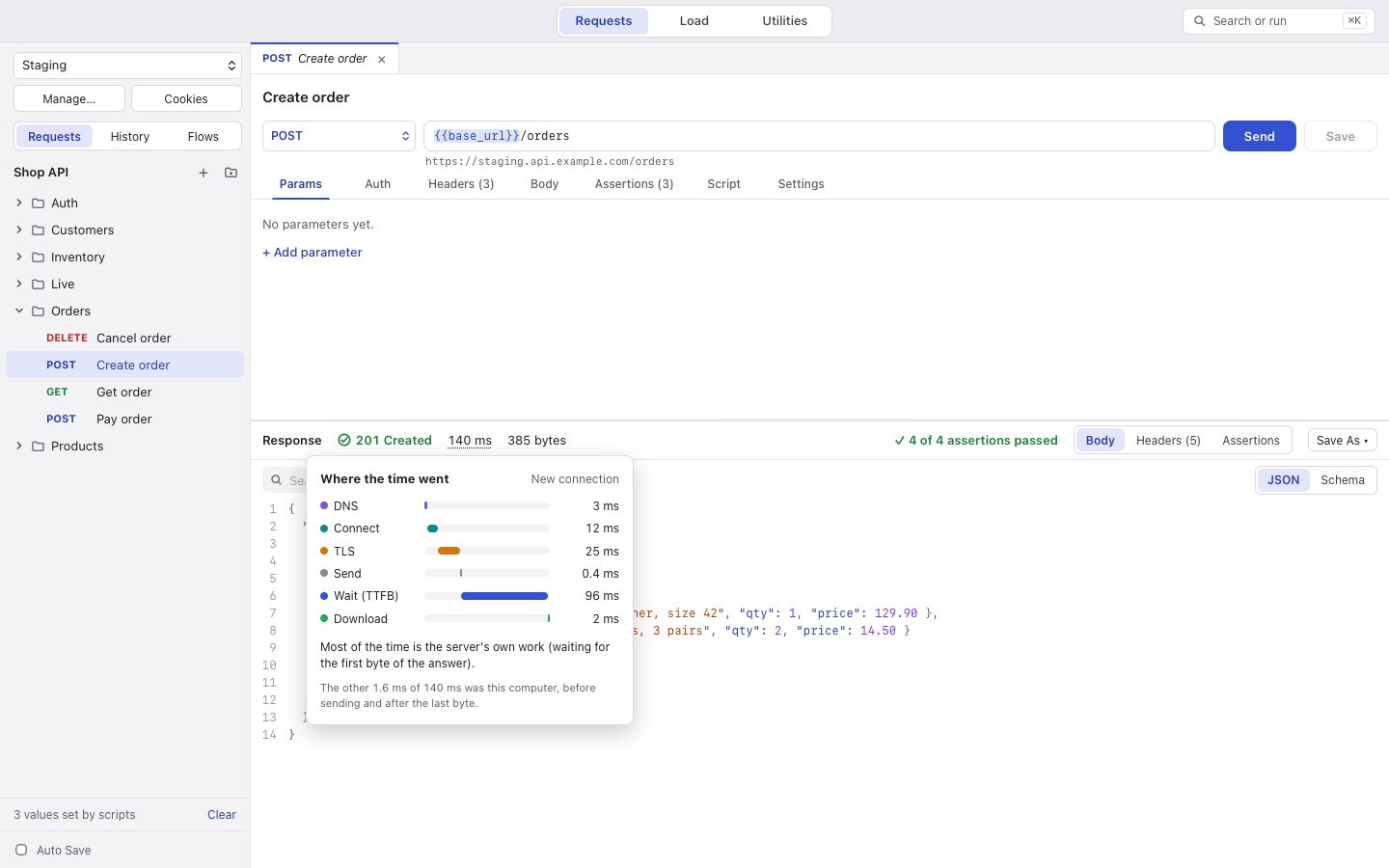
- DNS
- 8 ms
- Connect
- 21 ms
- TLS
- 34 ms
- Send
- 3 ms
- Wait (TTFB)
- 68 ms
- Download
- 8 ms
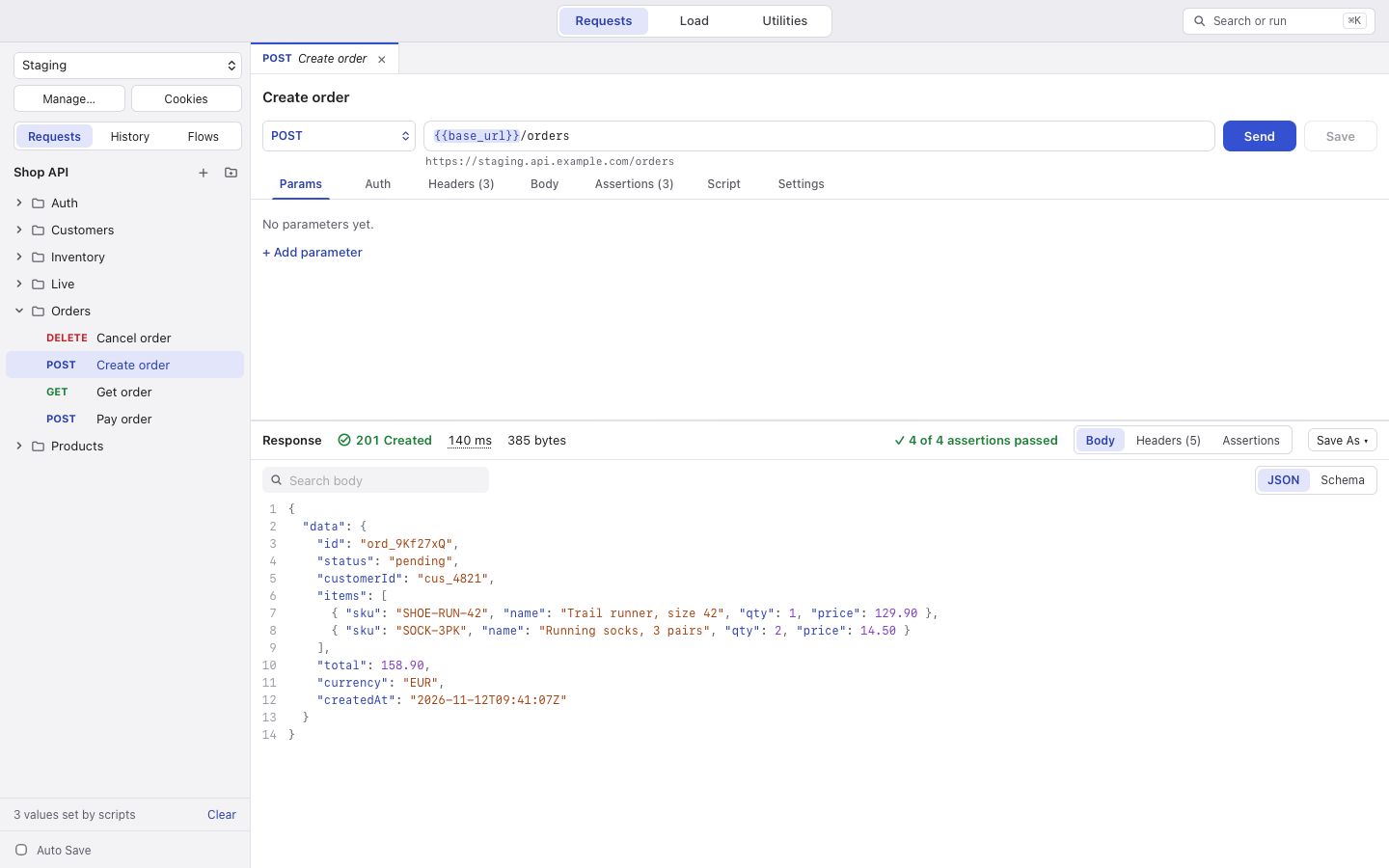
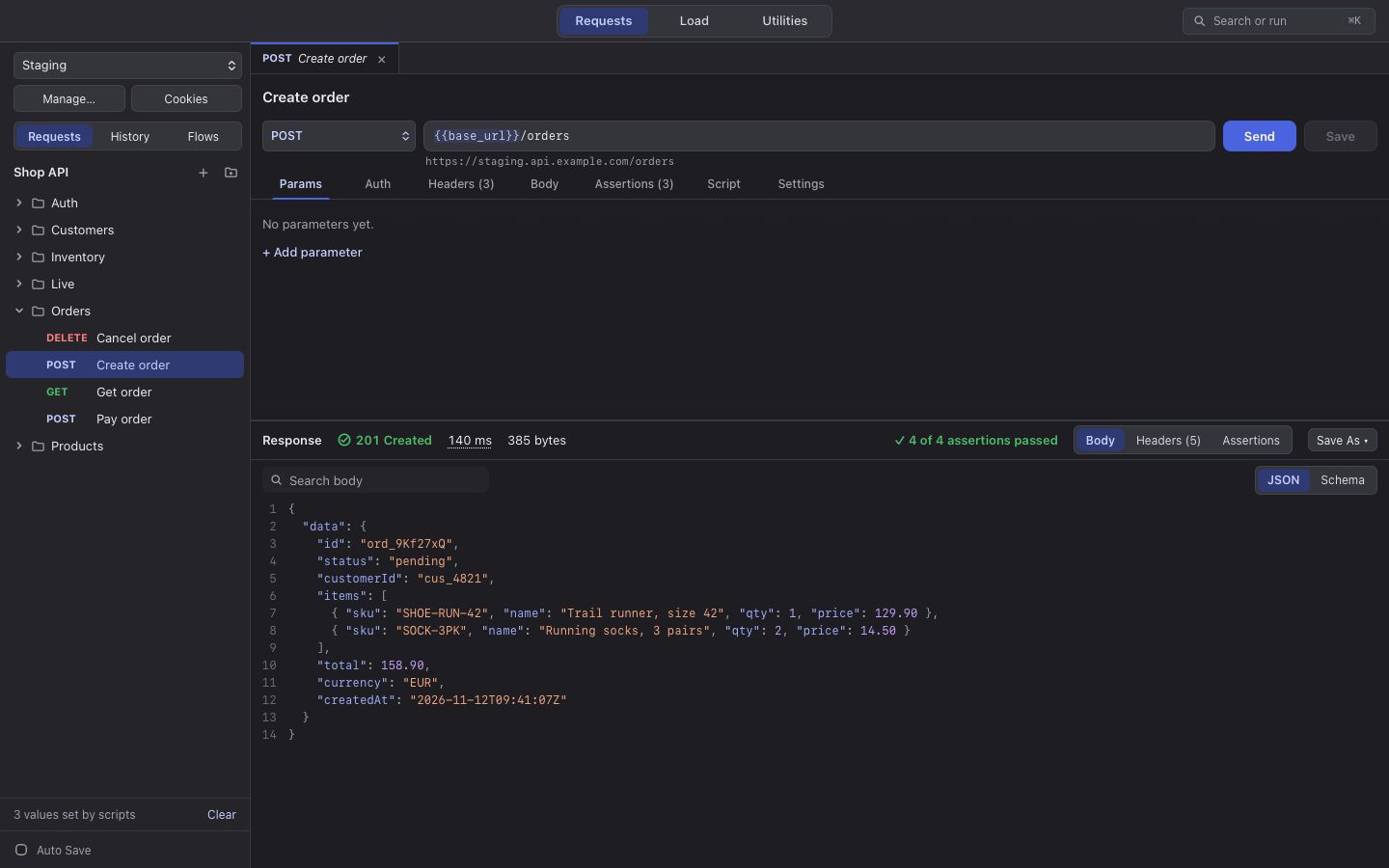
Everything an API needs, in one window
Switch with ⌘1, ⌘2 and ⌘3 (Ctrl on Windows and Linux). Each mode keeps its state while you work in another.
Requests
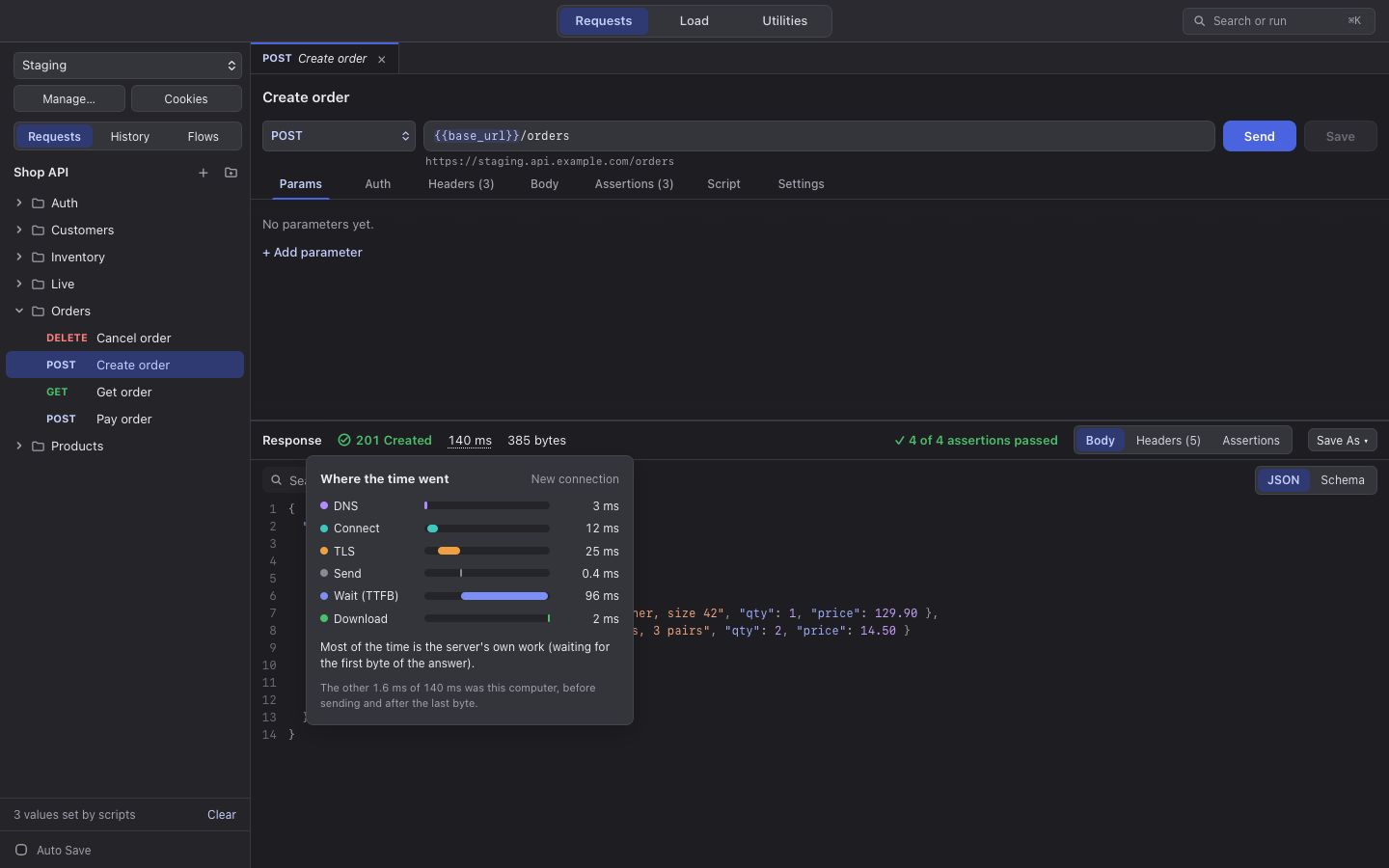
Build a request, send it and read the answer: status, time broken into DNS, connect, TLS, waiting and download, headers, and a body that keeps the server's own key order and number format.
Add checks without code, save values for the next request, and run a whole collection with a data file.
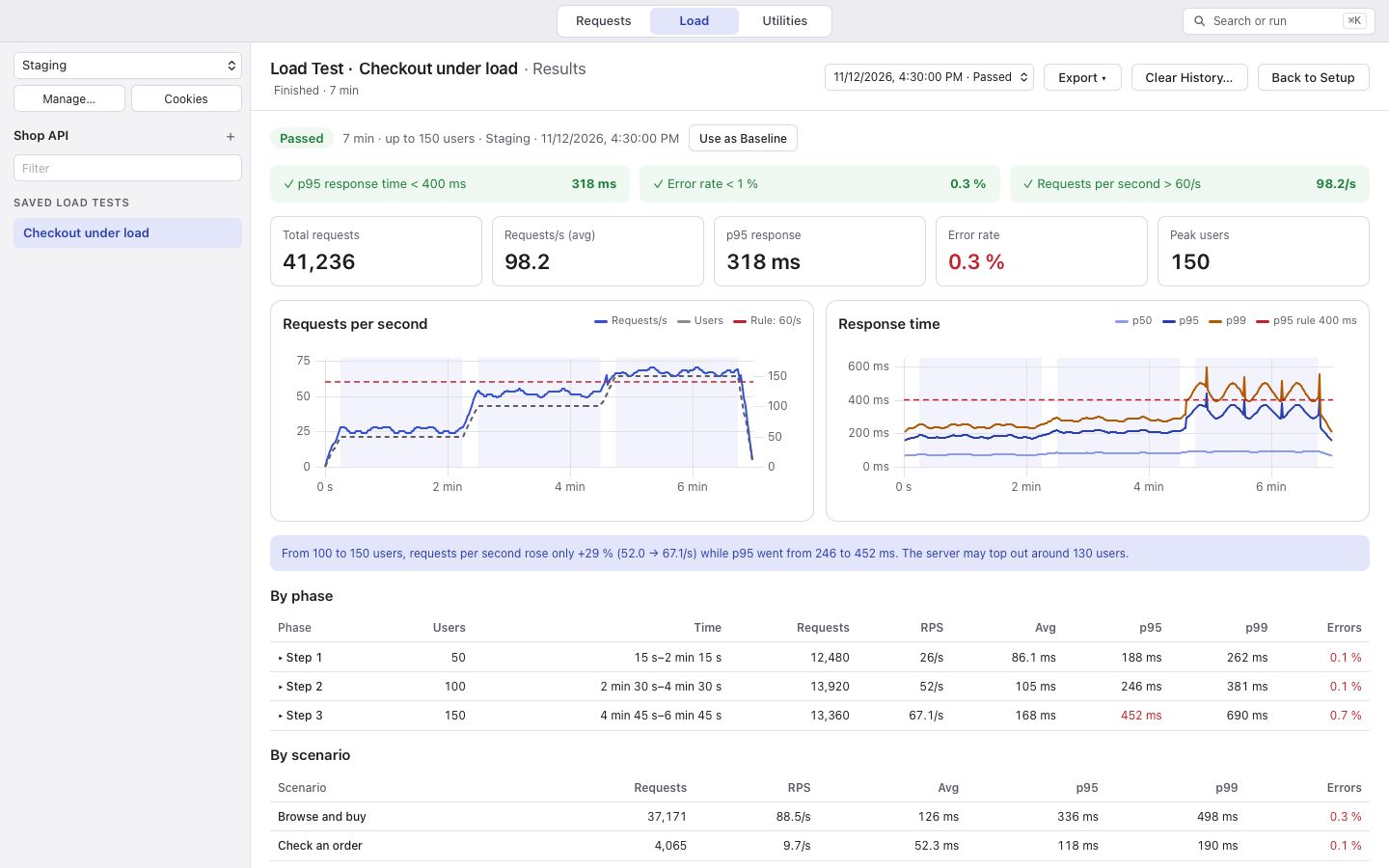
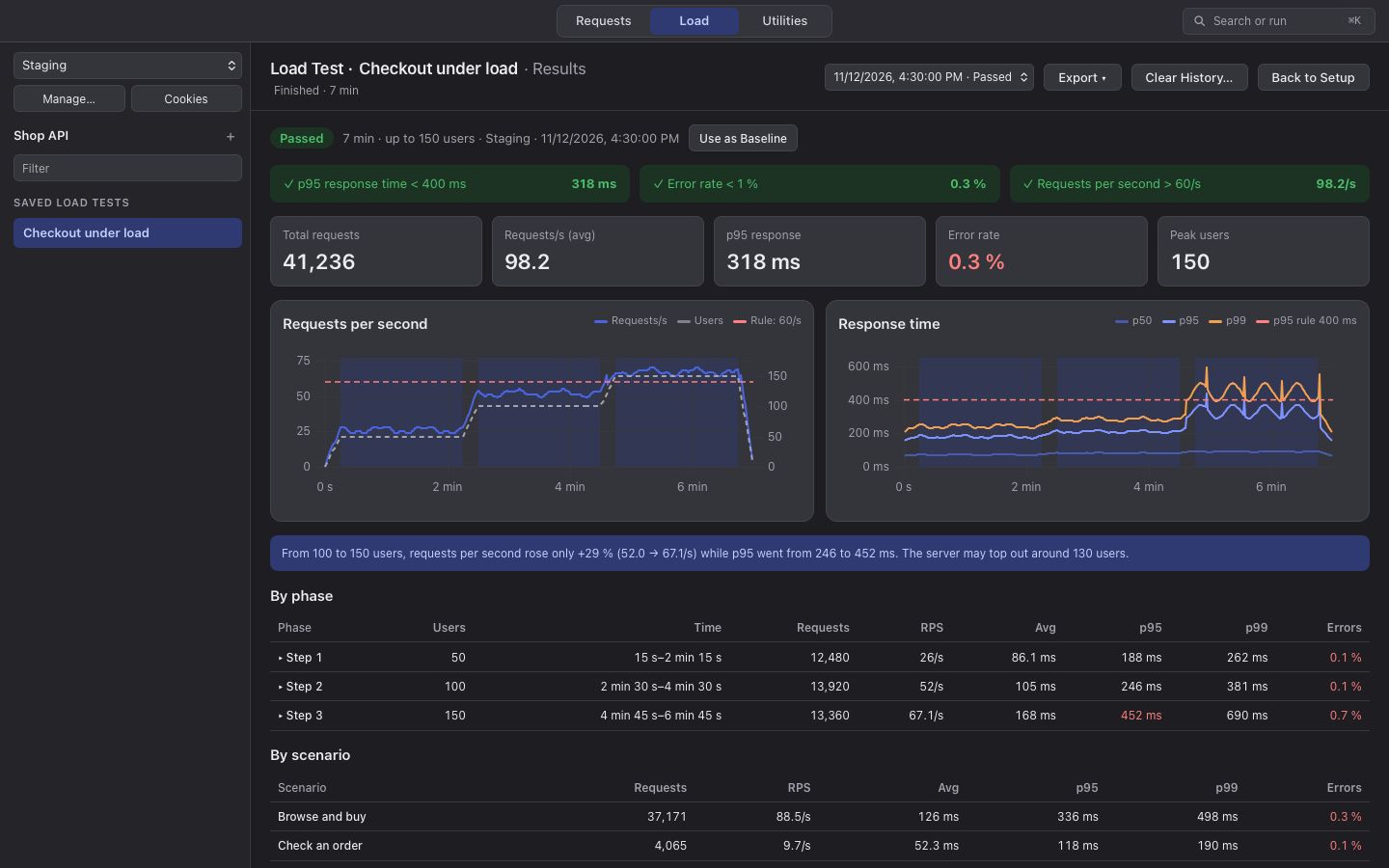
Load
Pick users or requests per second, choose a constant, step or spike load and see its shape before you start, and set the rules that decide pass or fail.
Watch it live, then read the results by phase: where the time went, the slowest requests, and how this run compares with your baseline.
Utilities
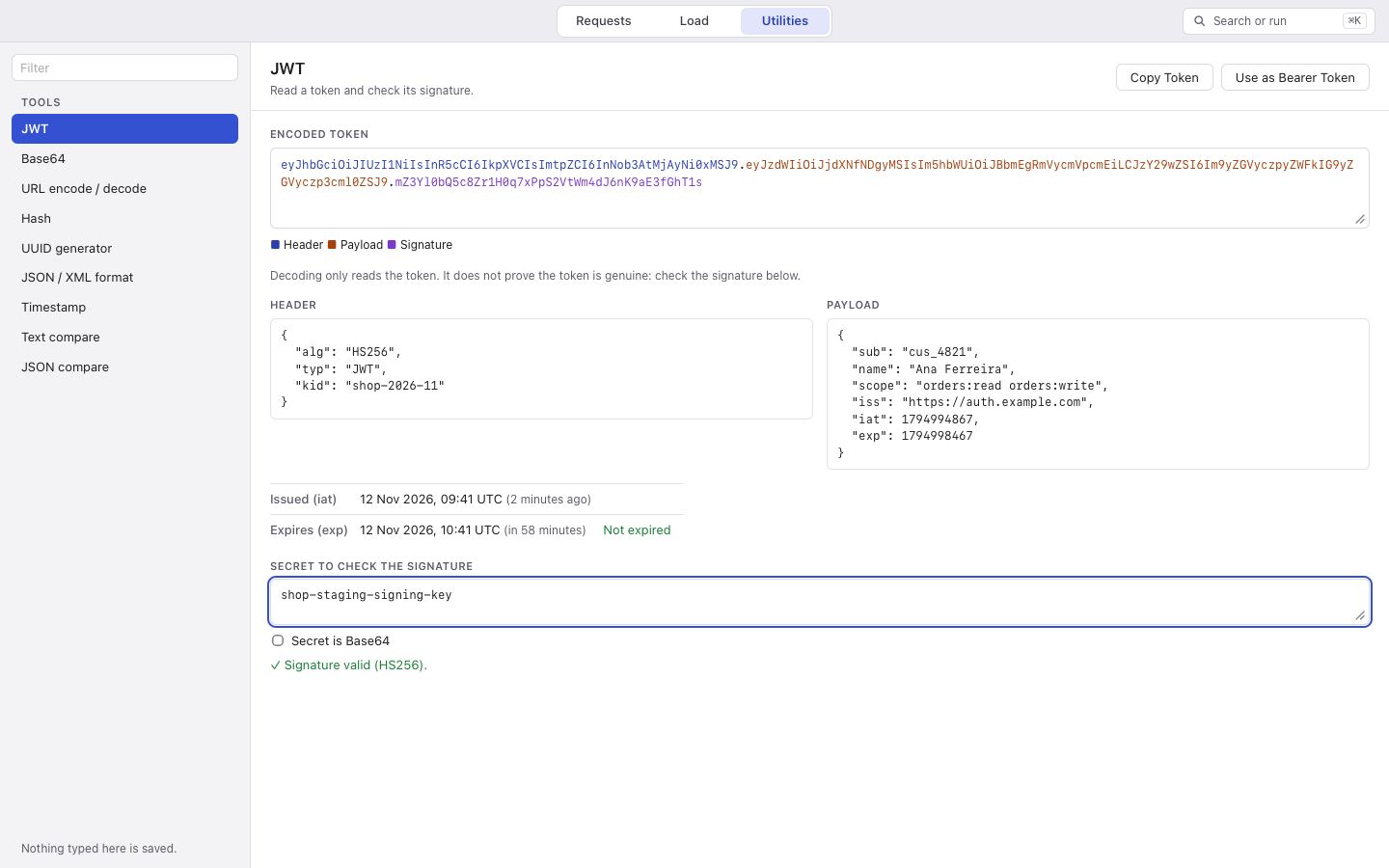
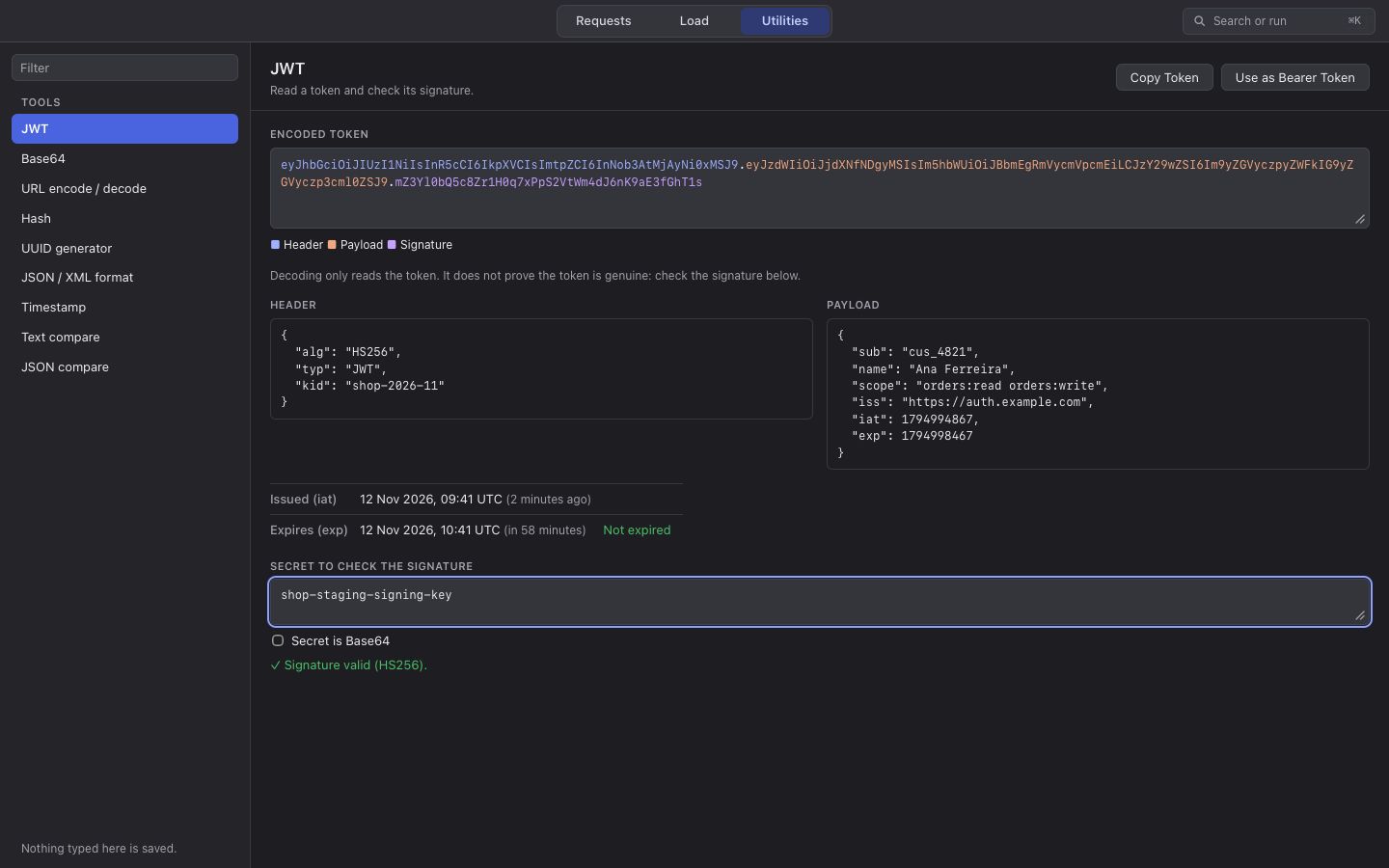
The small tools you open a browser tab for: decode and verify a JWT, Base64, URL encoding, hashes and HMAC, UUIDs, JSON and XML formatting, timestamps in any time zone, and text and JSON compare.
Nothing you type in them is saved.
A folder of JSON files, not a database
A collection is a folder. Each request is one small JSON file named after the request, folders are folders, and environments and load tests sit beside them.
Keys are always written in the same order, so when you compare two versions of a file, only what you changed shows up.
Built so a mistake stays small
Secrets stay in your keychain
Secret variables, passwords and tokens are kept in macOS Keychain, Windows Credential Manager or the Linux Secret Service. The files only hold a reference, so nothing secret ends up in your files, in history, or in a report.
Production is locked
Mark an environment as Production and requests to it wait until you unlock it, for 15 minutes at a time. Switching environments locks it again. Load tests never run against production, with or without unlocking.
Nothing phones home
The app sends only the requests you send. No account, no sign-in, no tracking.
Bring your collections with you
Import a Postman collection with its environments and globals and keep the order you had. Scripts that use pm. run as they are, with the same Chai expect and CryptoJS.
Every import ends with a report of anything that needs a second look.
- Postman
- Insomnia
- Bruno
- HAR
- OpenAPI 3
- Swagger 2
And when your API is not just REST
- GraphQL
- Queries with variables, and a schema browser from introspection.
- WebSocket and SSE
- Open a WebSocket or listen to Server-Sent Events, send saved or typed messages, and check the messages that come back.
- gRPC
- Call methods from your .proto files, including streams of answers. No code generation.
- OAuth 2.0
- Client credentials and authorization code with PKCE, tokens per environment.
- Company networks
- HTTP and SOCKS5 proxies, your own certificate authorities, client certificates.
- Mock server
- Serve routes from your OpenAPI spec or a saved response, with delays and errors.
- Flows
- Chain requests with ifs, loops, waits and values, still without code.
- Snapshots
- Save a response and get told when its values or its shape change.
- OpenAPI
- Import a spec as a collection, update it when the spec changes, and check every response body against its schema.
- Test runs
- Run a collection or a folder with iterations and a data file. Each run is kept, compared with the last passing one, and saved as an HTML report.
- Export for k6 and Newman
- Take a load test to k6 or a collection to Newman when another tool needs it.
- Find anything
- Press ⌘K (Ctrl+K) to jump to any request or command.
Try it on your own API
The first version is on its way. It will be free for everyone, on macOS, Windows and Linux.