

Bodies
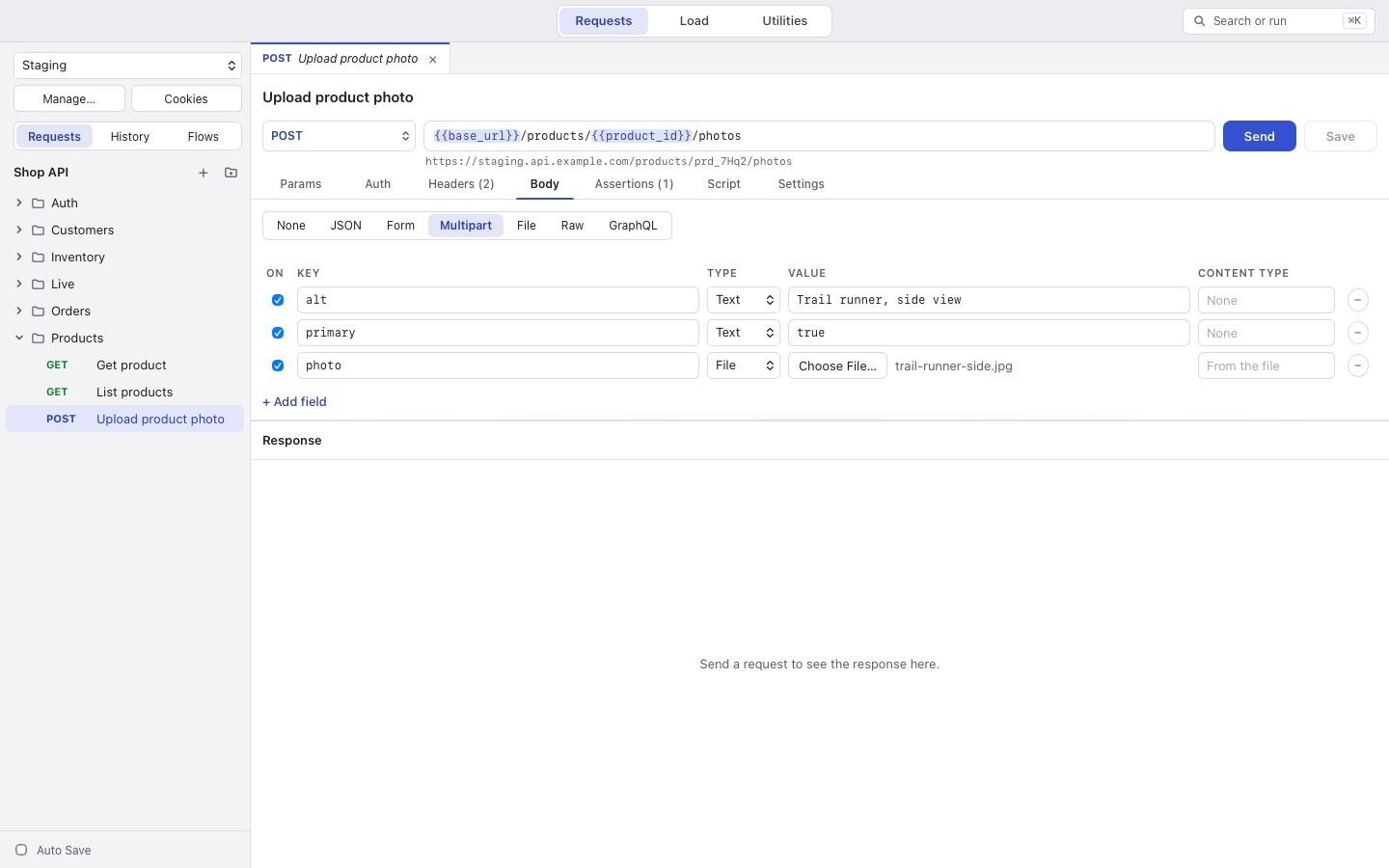
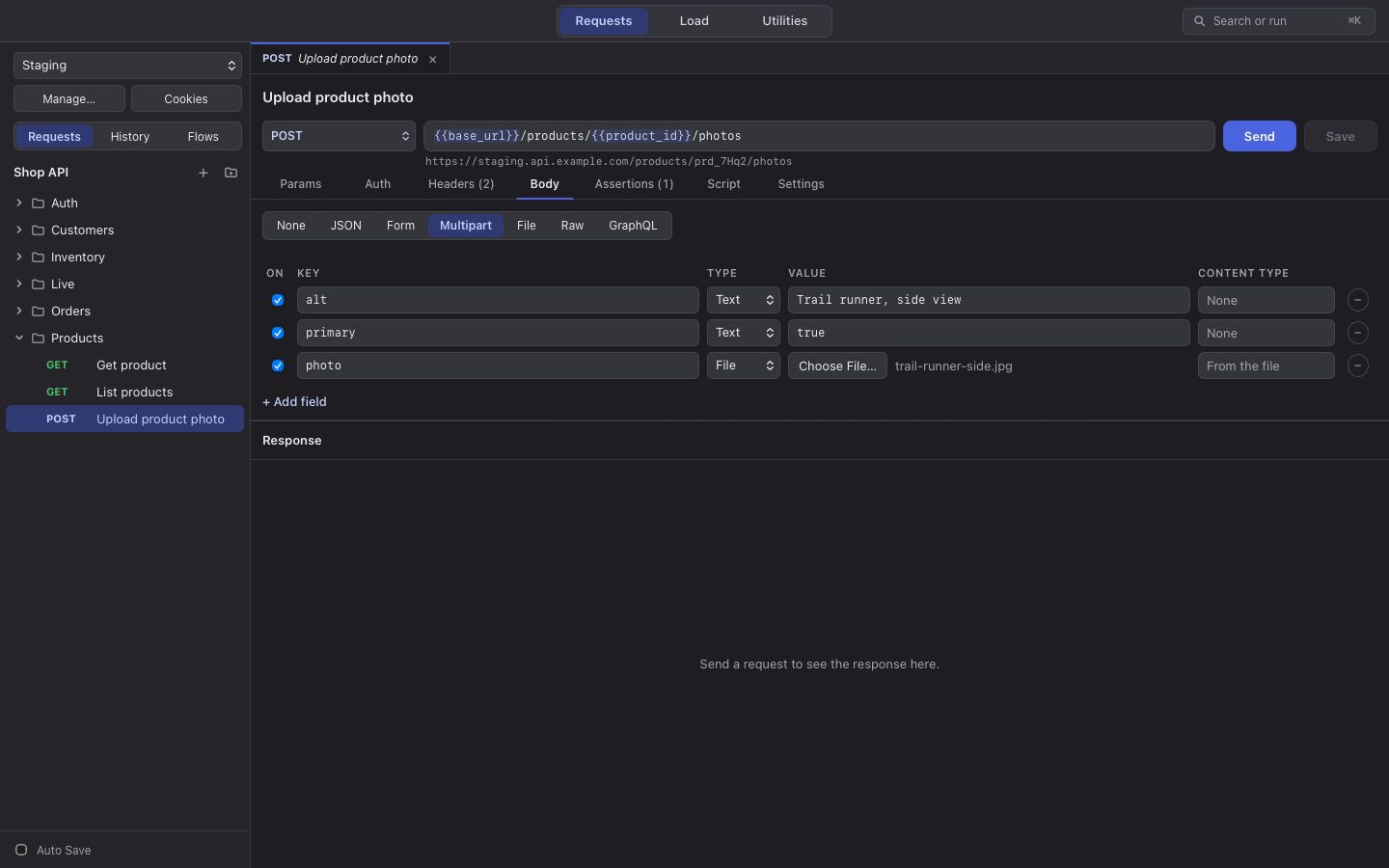
The Body tab has these modes: None, JSON, Form, Multipart, File, Raw and GraphQL. You can switch between them without losing what you typed in the others, but only the chosen mode is sent and saved. GET and HEAD requests never send a body.
When you have not set Content-Type yourself, korAPI sets it for the mode. For Raw, type any content type or pick
one of the common ones.
Multipart
Section titled “Multipart”Each row is text or a file, with its own content type (left empty, it is guessed from the file’s extension). korAPI
writes the multipart/form-data; boundary=… header itself; a Content-Type you set by hand is not sent, because it
would lack the boundary.
Files are read when the request is sent, so the latest version goes out, up to 200 MB each. A file inside the collection’s folder is saved with a path relative to it, so it is found on another computer too. A file outside the folder keeps its full path, and korAPI warns that other computers will need to choose it again.
Editing
Section titled “Editing”In the body editors, Tab indents. Press Esc and then Tab to move on to the next field. ⌘B (Ctrl+B) tidies JSON.