

Your first request
- Open korAPI. You are in Requests (⌘1 (Ctrl+1)).
- Type a URL, for example
https://httpbin.org/get. You can leave outhttps://; korAPI adds it. - Press Send (⌘↩︎ (Ctrl+Enter)). Esc stops a request that is still running.
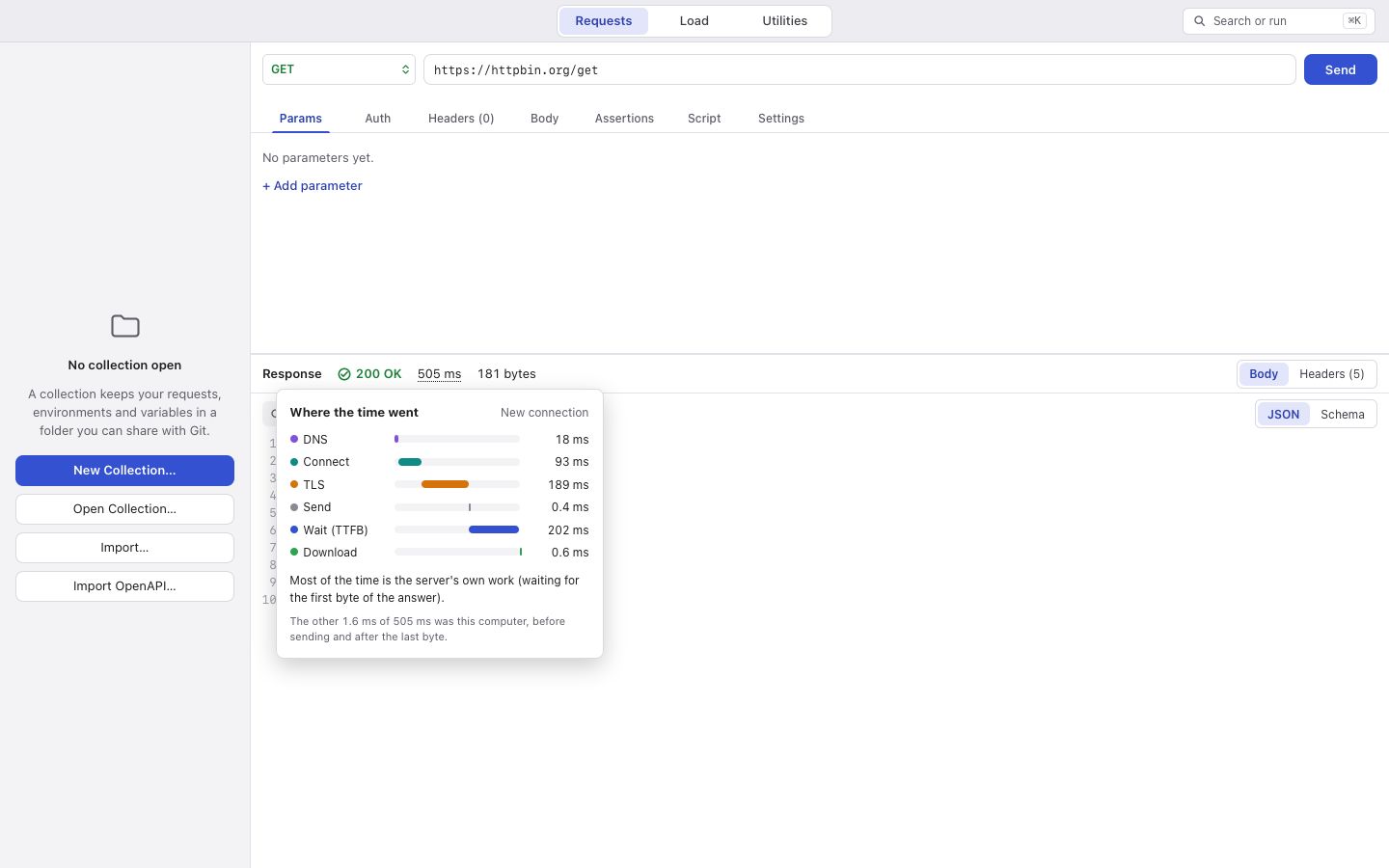
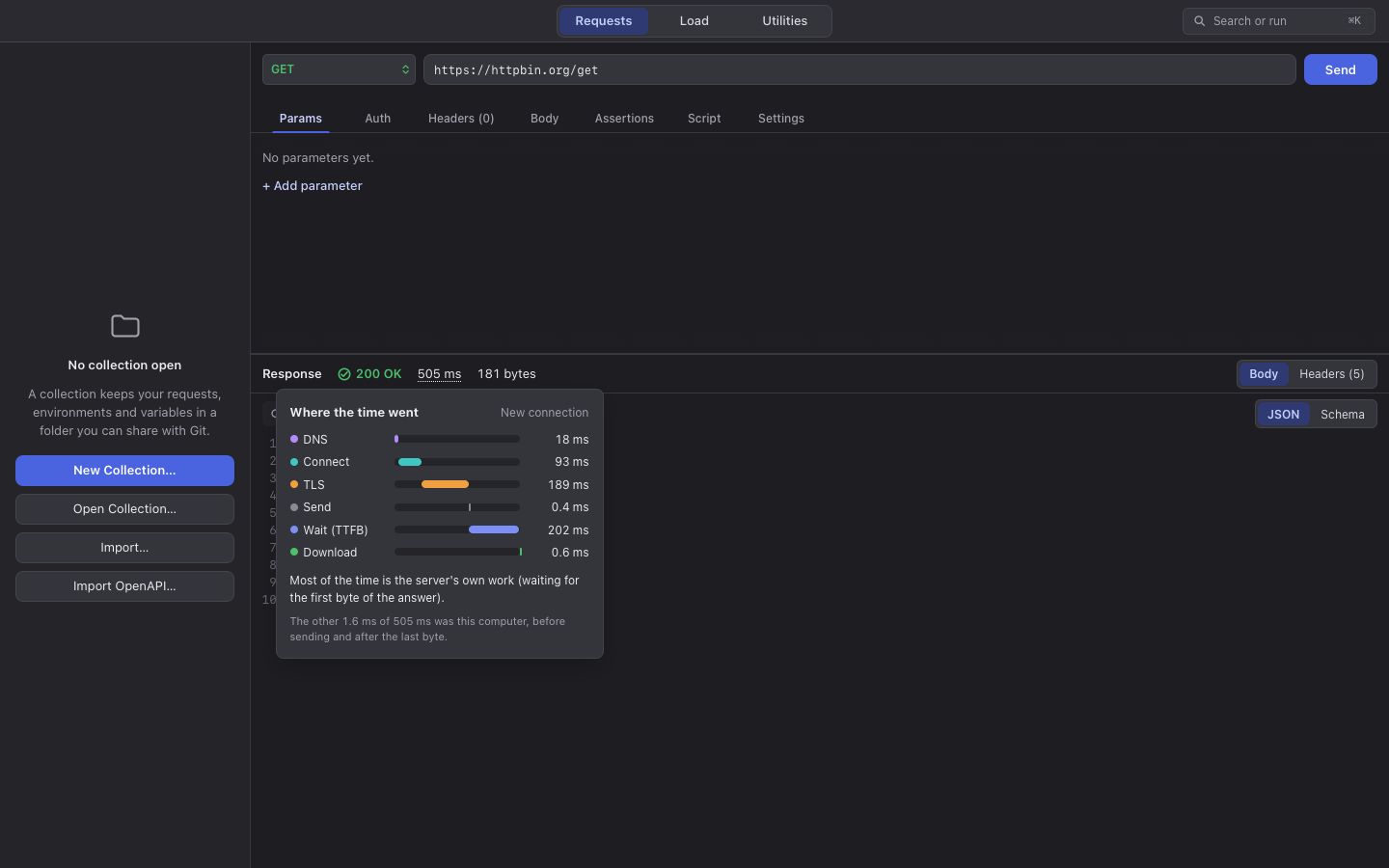
The response appears below the request: the status, how long it took and how big it was. Rest the pointer on the time to see where it went: looking up the name, connecting, TLS, sending, waiting for the server, and downloading.
The body is shown as the server sent it: keys in the same order, and numbers written the same way (1180.00 stays
1180.00). Switch to Schema to see every field as a row with its path and type.
Pasting curl
Section titled “Pasting curl”Paste a curl command into the URL field and korAPI fills in the method, headers and body. Credentials in it become the request’s auth.
Save the request into a collection so you can find it again and share it. See Collections are folders.