

Test Runner
Choose Run Collection (⇧⌘R (Ctrl+Shift+R)), or right-click a folder and choose Run Folder.
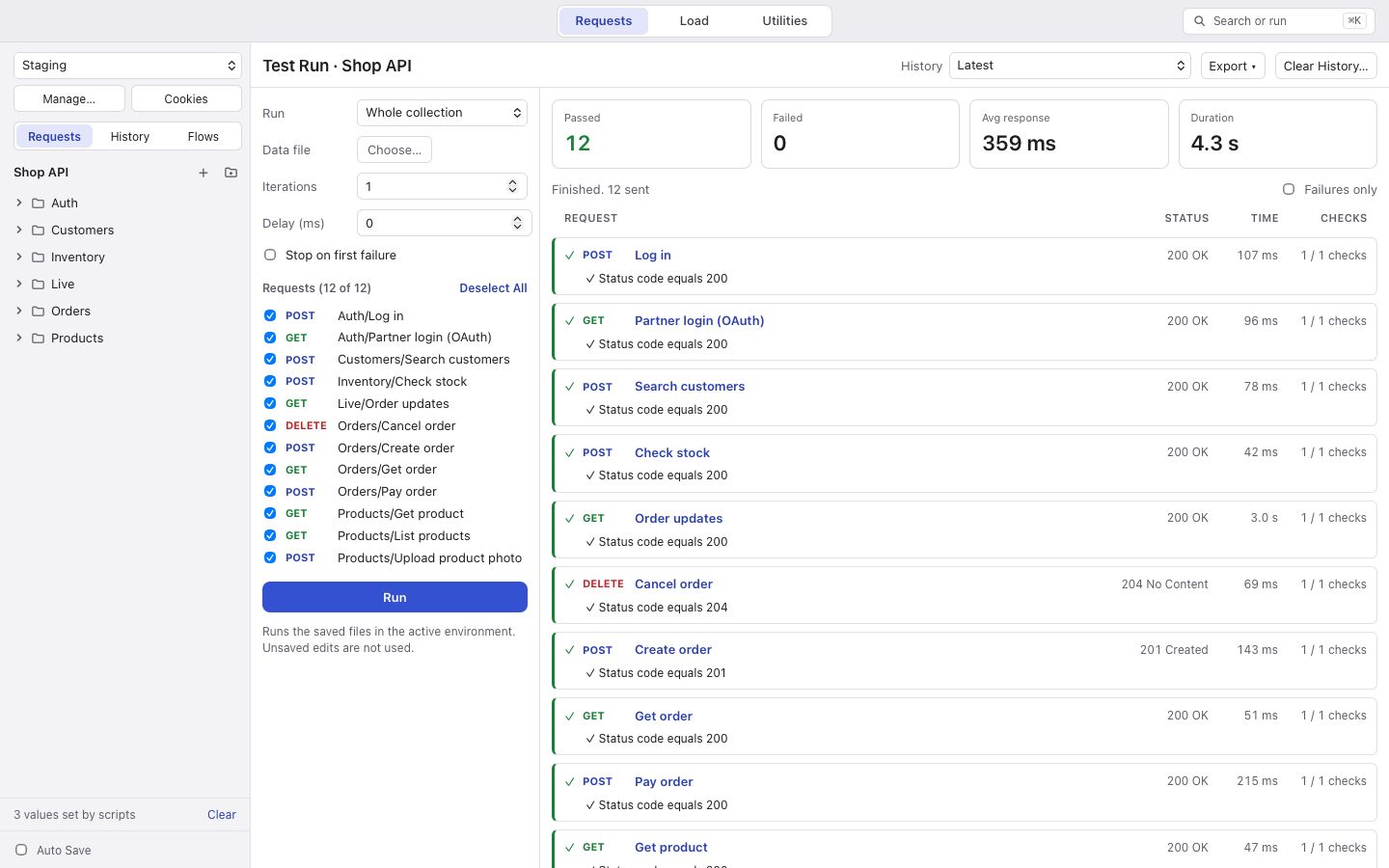
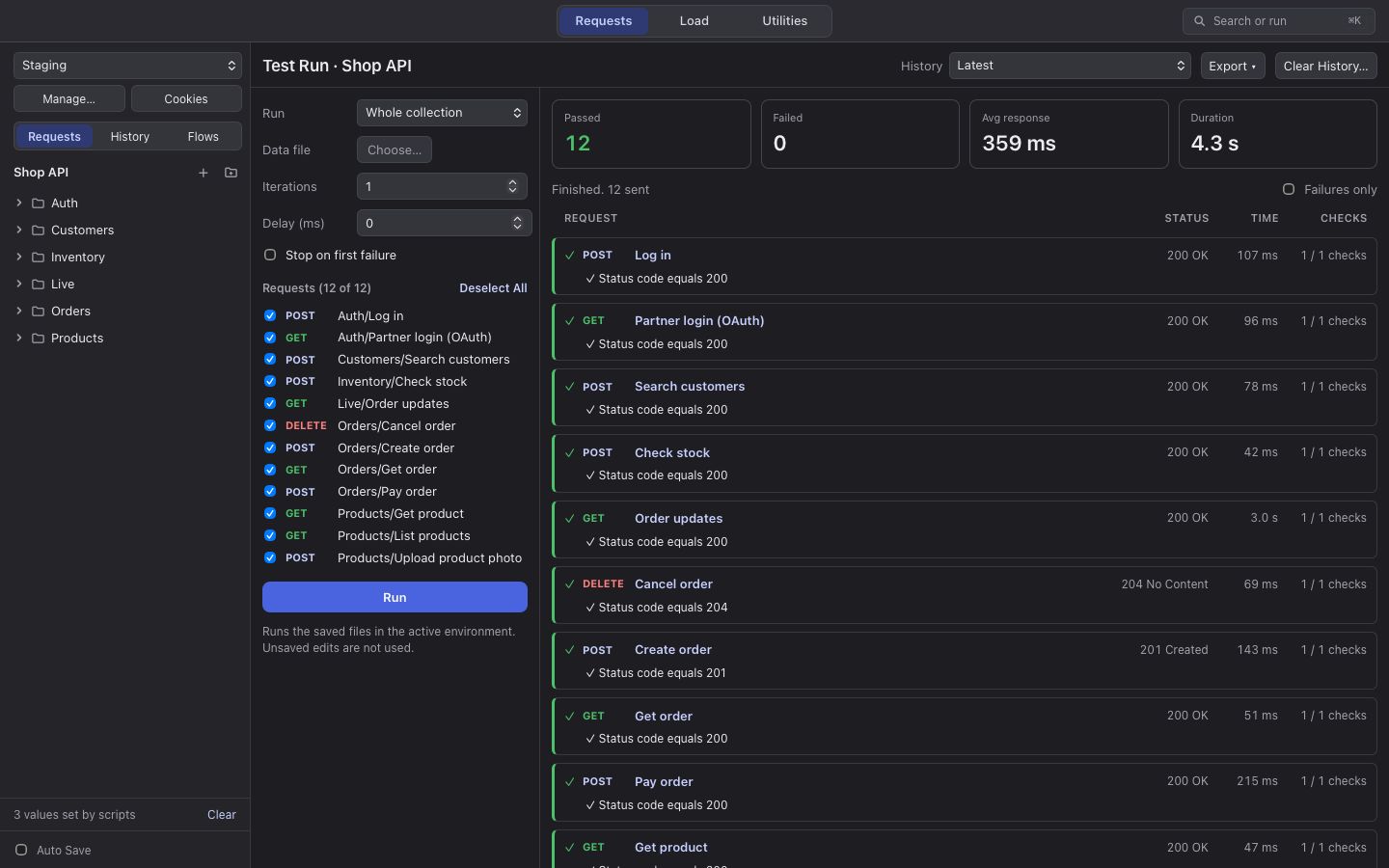
Before you start, tick the requests to run (all of them at first), set how many iterations (1 to 100), a delay between requests, and whether to Stop on first failure.
A request fails when no response came, or when any of its checks failed: an assertion, a saved value, a script test, or an error in its after-response script.
The run does not start when nothing is ticked, or when the active environment is a locked production one. Runs are not added to History; they have their own run history.