

Reading the response
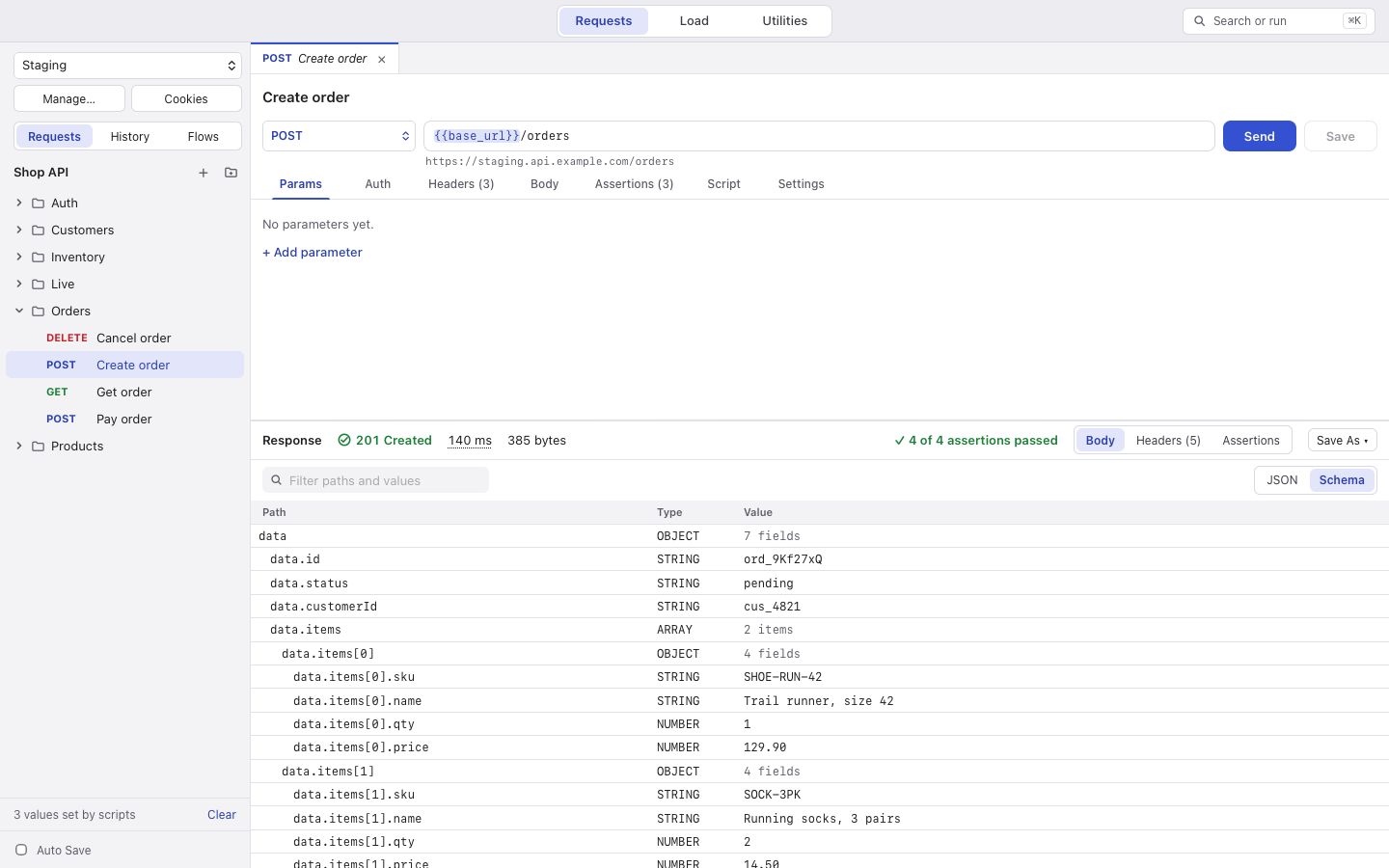
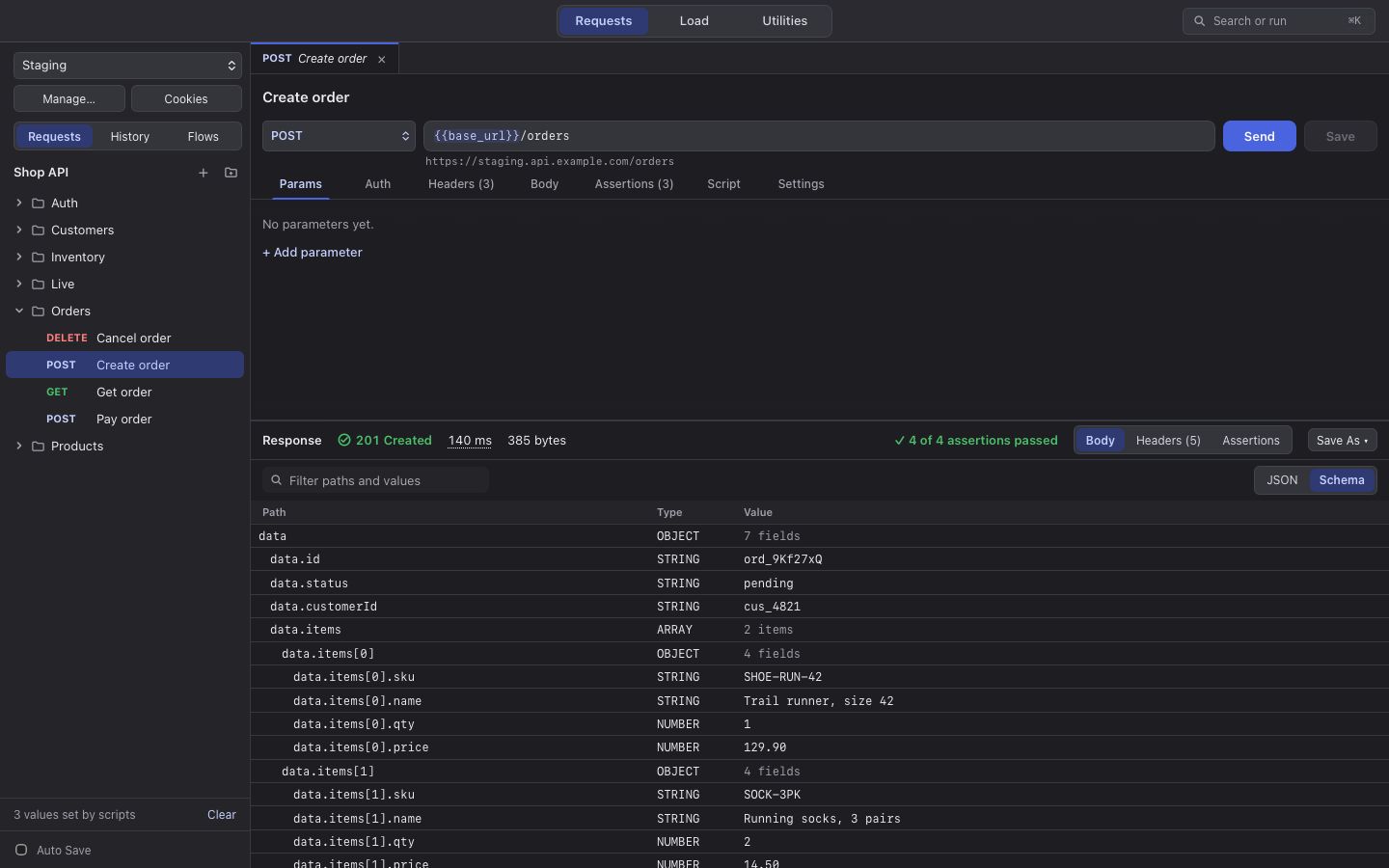
Above the response you see the status (in colour and in words, so the colour is never the only sign), how long it took, and how big it was.
Where the time went
Section titled “Where the time went”Rest the pointer on the time: DNS, Connect, TLS, Send, Wait (TTFB) and Download, and whether the connection was new or reused.
The body
Section titled “The body”The body is shown exactly as the server sent it, with line numbers. ⌘F (Ctrl+F) searches it. Bodies over 5,000 lines still scroll smoothly.
Schema shows every field as a row with its path, type and value (up to 5,000 rows). Right-click a row and choose Save as Variable… to use the value in the next request.
Headers
Section titled “Headers”Header names appear in lower case, as the HTTP library gives them; HTTP/2 always sends them that way.
Save As
Section titled “Save As”Save As ▾ keeps the response as a Snapshot of this request, or turns it into a Mock Route.
A response belongs to the request that was sent: open another request and you see its own response, not the last one.