

Variables and environments
Write {{name}} in the URL, params, headers, body or auth, and korAPI fills in the value when it sends.
Where a value comes from
Section titled “Where a value comes from”When the same name is set in several places, the first one wins:
- A value a script or a saved value set in this session.
- The current row of the data file (in the Test Runner).
- The active environment.
- The collection.
A variable may use other variables, up to 10 levels deep. A loop stops the request with an error that names the variables. A variable with no value also stops it, and says which one.
Managing them
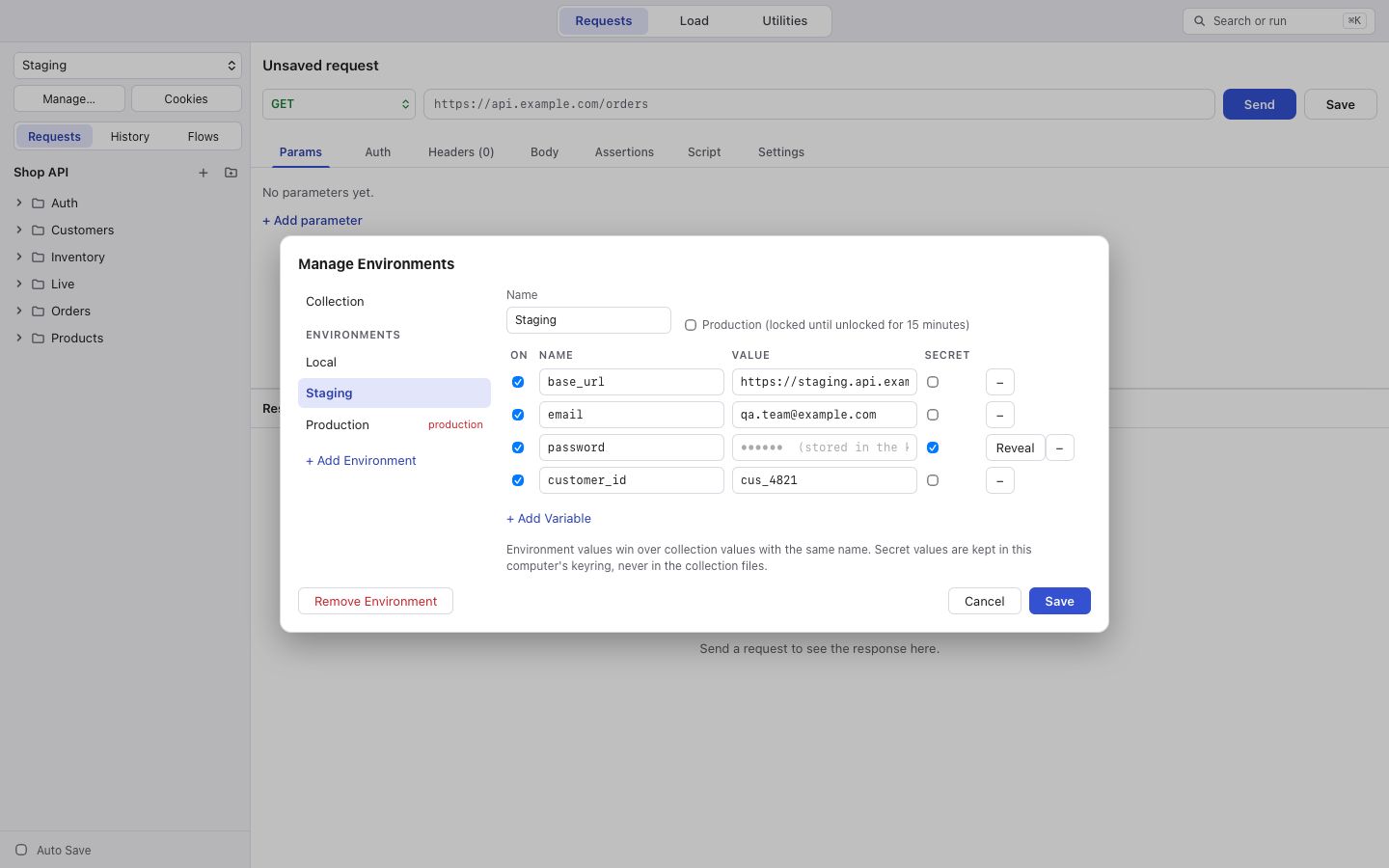
Section titled “Managing them”Choose Manage… in the sidebar to edit environments and the collection’s variables. Tick secret to keep a value in your system keychain instead of the files; Reveal shows it.
Opening a collection always starts with No environment, so korAPI never opens straight onto production. Choose one each time.
Values set while you work
Section titled “Values set while you work”Values that scripts or saved values set live in memory, on top of the files. The sidebar shows how many there are (“n values set by scripts”), with Clear to drop them. They are also cleared when you open another collection.