

Collections are folders
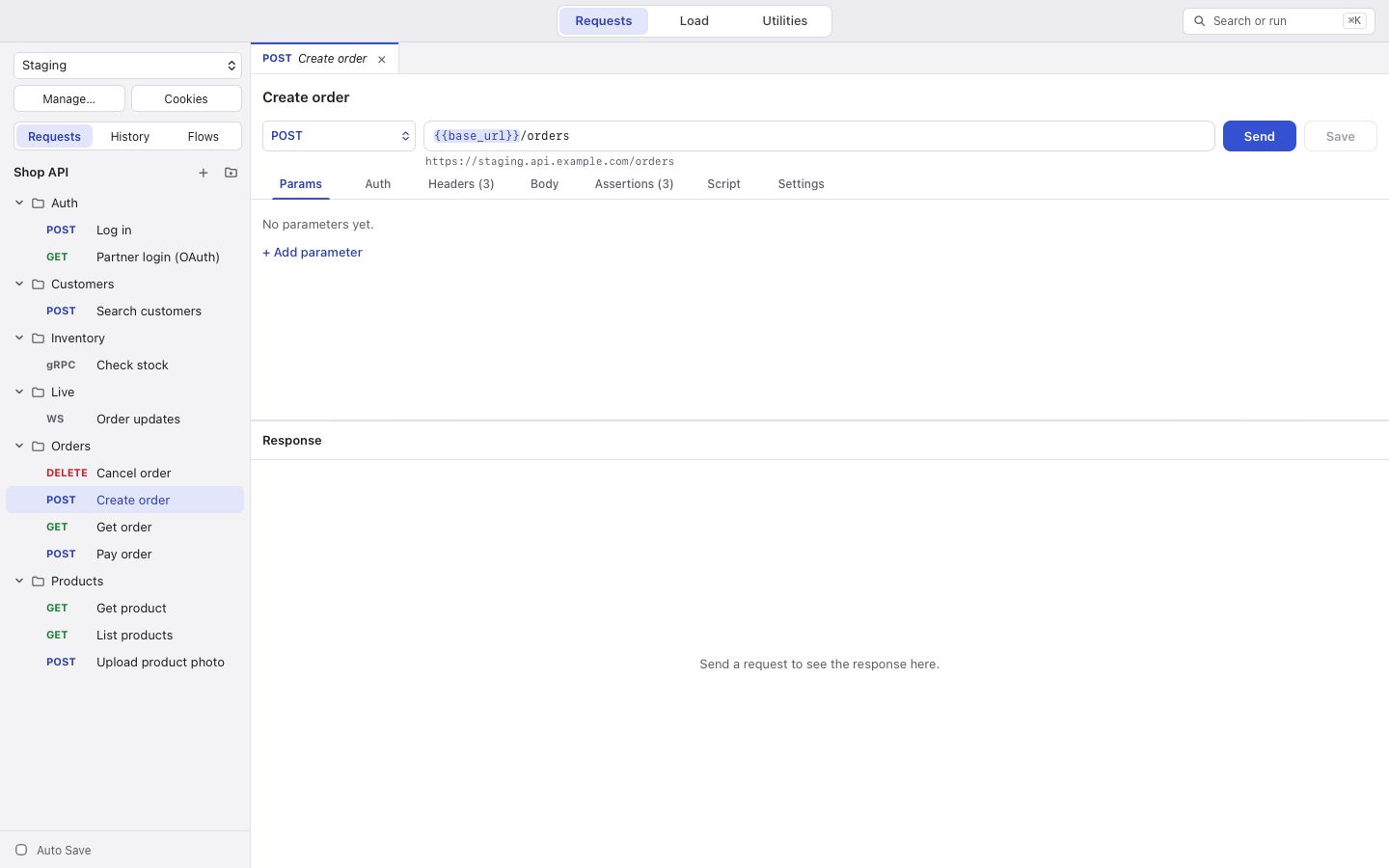
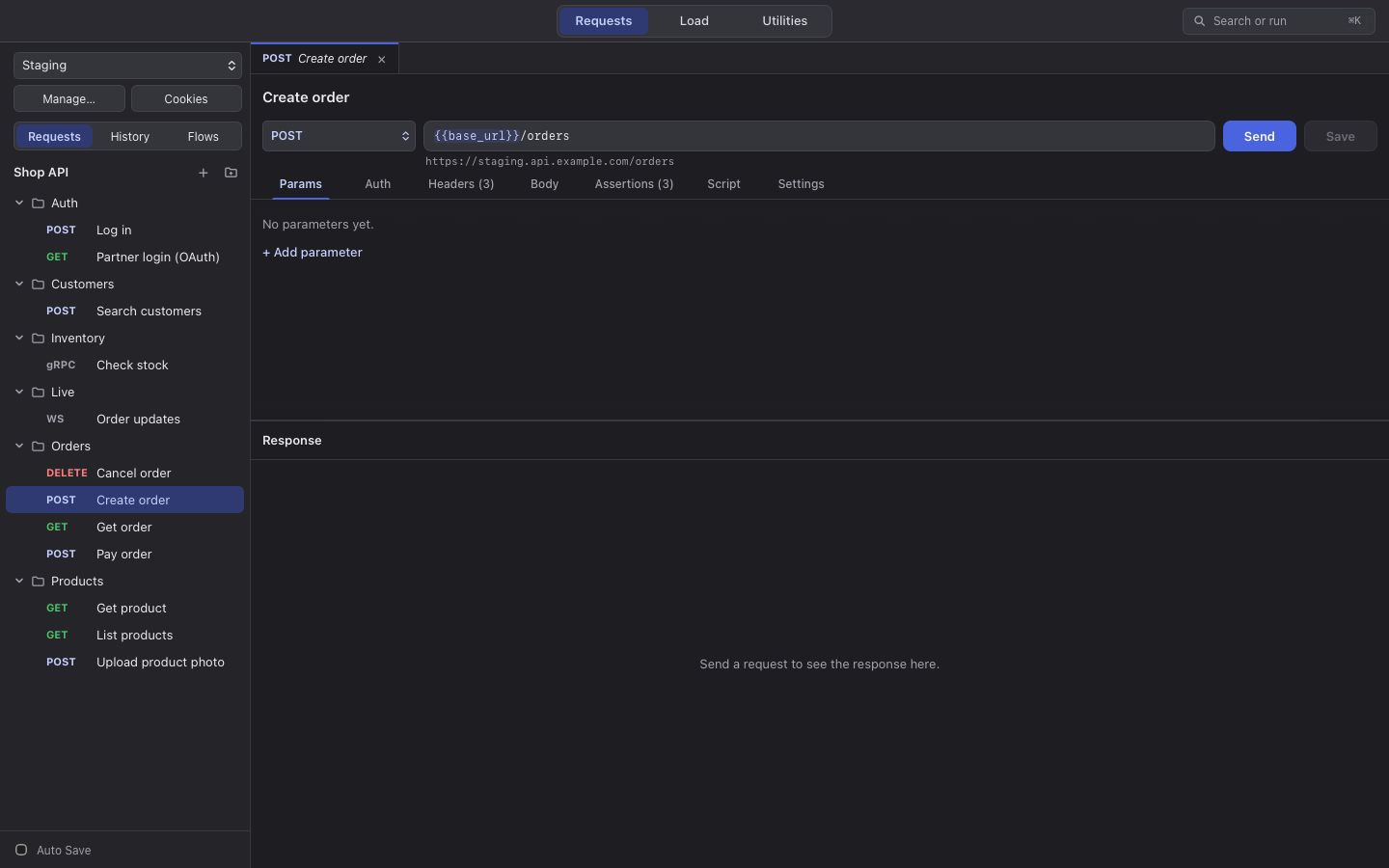
A collection is a folder on your disk. Choose New Collection… (⇧⌘N (Ctrl+Shift+N)) and pick where it goes; the name you give becomes the folder.
What is inside
Section titled “What is inside”collection.jsonholds the collection’s name, variables, auth and scripts.- Each request is one file, named after the request (
Create order.json). Folders in the sidebar are folders on disk. environments/holds one file per environment,load-tests/your load tests, andflows/your flows.- Hidden files appear only when you use what they hold:
.order.jsonwhen you reorder a folder,.folder.jsonfor a folder’s own auth,.mock.jsonfor mock routes,.openapi.jsonfor an imported spec, and.snapshots/for snapshots.
Every file is written the same way each time, with its keys in alphabetical order. Saving a request you did not change leaves its file untouched, so comparing two versions shows only what you changed.
What is never in the folder
Section titled “What is never in the folder”Secret values live in your system keychain; the files hold only a reference. Your history, run history and load test history stay on this computer. So you can share or copy the whole folder.
Saving
Section titled “Saving”⌘S (Ctrl+S) saves. Turn on Auto Save at the bottom of the sidebar to save as you go. A dot marks requests with unsaved changes. If a file changes outside the app, korAPI notices when you come back to its window.
Opening it on another computer
Section titled “Opening it on another computer”Copy the folder over and choose Open Collection… (⌘O (Ctrl+O)). Secrets are not in the files, so each person enters their own once.